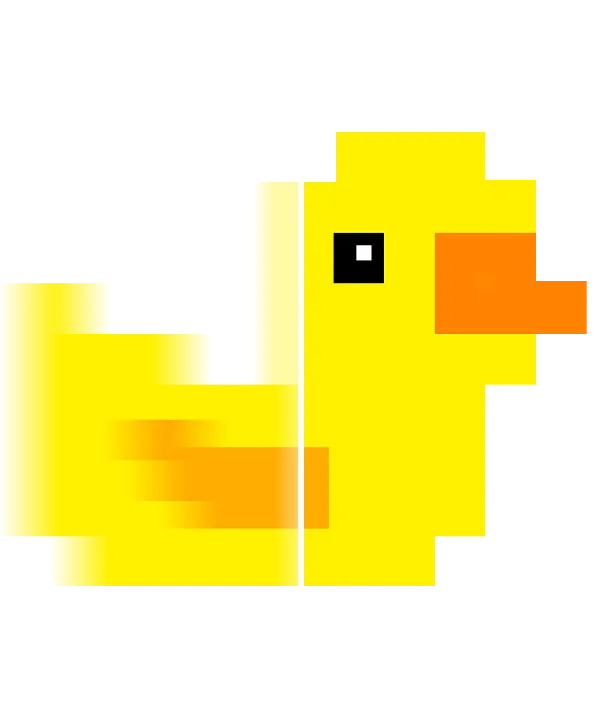
If you are looking for a way to play modern games on older hardware, you have likely encountered two major names: Lossless Scaling and Magpie. Both tools promise to take a low-resolution windowed game and upscale it to fill your screen with crisp, high-quality visuals. However, while they may seem similar at a glance, the actual experience of using them in 2026 is vastly different.
Choosing between a free open-source tool and a paid, specialized utility depends on one thing: how much you value smoothness. Let’s break down the technical differences so you can decide which software deserves a spot in your startup folder.
The Core Technical Difference
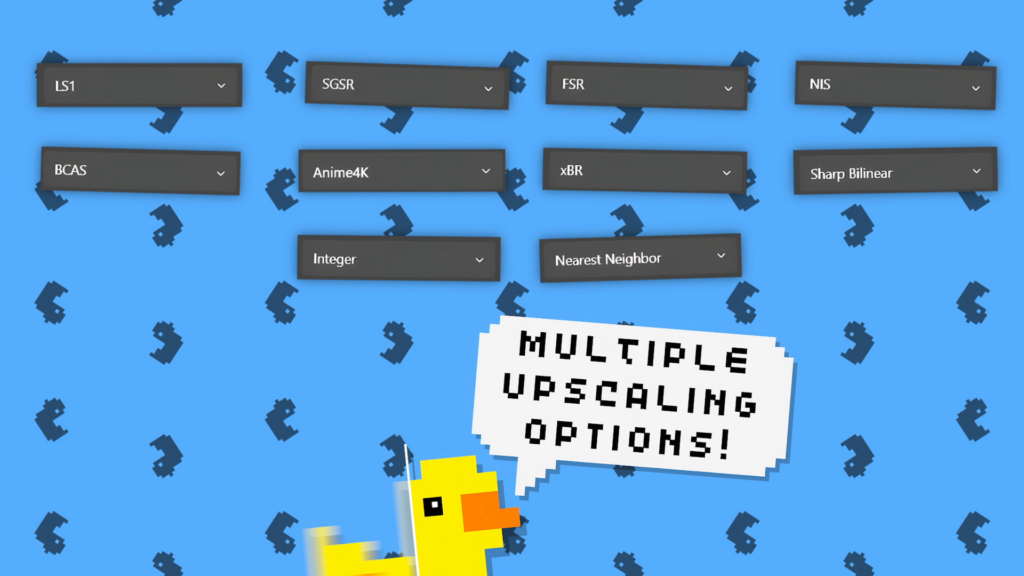
Magpie is a fantastic open-source project available on GitHub. It is essentially a collection of various scaling algorithms like AMD FSR, Nvidia NIS, and Anime4K. Its primary goal is spatial upscaling—making a small window big and sharp.
In contrast, Lossless Scaling has evolved far beyond just upscaling. While it includes the same algorithms, its proprietary LSFG (Lossless Scaling Frame Generation) technology is the real reason gamers prefer it. Instead of just making pixels look better, it creates entirely new frames to double your fluidity.
Why LSFG Changes the Game
Actually, the difference is visible to the naked eye. When you use Magpie, you get a sharper image but the same frame rate. If your game runs at 30 FPS, it still feels like 30 FPS. Furthermore, by using the LSFG 2.3 mode in Lossless Scaling, that same 30 FPS becomes a visual 60 or even 90 FPS. This temporal magic is currently missing from Magpie’s toolkit.
Performance and Input Lag
One of the biggest concerns for gamers is responsiveness. Since both programs run as an overlay, they inevitably introduce a tiny bit of “overhead.” Nevertheless, the developers of Lossless Scaling have focused heavily on minimizing dispatch latency.
Specifically, when using the DXGI Capture API, Lossless Scaling feels significantly snappier than Magpie. If you are playing fast-paced titles like Warzone or Elden Ring, every millisecond matters. Magpie is excellent for slow-paced RPGs or visual novels, but for anything requiring quick reflexes, the premium utility wins on performance.
Handling Artifacts and Ghosting
Another area where they differ is how they handle visual glitches. Magpie’s spatial filters can sometimes cause “ringing” or over-sharpening. On the other hand, Lossless Scaling’s LS1 algorithm is designed to look as close to native resolution as possible. Additionally, the latest frame generation updates have almost entirely eliminated the “ghosting” artifacts that plague older upscaling methods.
Which One Should You Install?
Choose Magpie if:
- You are on a zero-budget and only need simple spatial upscaling.
- You play mostly 2D games, visual novels, or older titles where frame rate doesn’t matter.
- You want to experiment with a vast library of community-made shaders and filters.
Choose Lossless Scaling if:
- You want AI frame generation to turn 30 FPS into 60+ FPS.
- You are a Steam Deck or handheld console user looking for the best battery-to-performance ratio.
- You need a stable, user-friendly tool that supports HDR and has minimal input lag.
- You play demanding AAA titles and need every bit of extra fluidity.
FAQ: Magpie vs Lossless Scaling
Can I run both at the same time?
Technically yes, but we strongly advise against it. Running two overlays will cause massive flickering, extreme input lag, and likely a system crash. Pick one that suits your needs best.
Is Lossless Scaling better for emulators?
Yes. Because emulators (like RPCS3 or PCSX2) are often locked to 30 FPS, only Lossless Scaling can break that limit using LSFG to make them run at 60 FPS without breaking the game’s internal clock.
Does Magpie have a virus?
Magpie is safe if you download it from the official GitHub. However, our tested build of Lossless Scaling is verified for 2026 standards to ensure zero conflicts with Windows 11 security.
Is the “Free” version of Lossless Scaling safe?
The version provided on our site is the fully tested stable build. Unlike random torrents, this version is verified to work with the latest Windows updates and LSFG 2.1 features.
The Bottom Line
Magpie remains a respectable tool for the open-source community. However, for a serious gamer, it simply cannot compete with the temporal frame generation found in Lossless Scaling. The ability to double your frame rate with a single click is worth the setup. Don’t settle for just a sharper image when you can have a smoother one too.